Windscreen
Traffic where it is, out the window
Windscreen is an app for pilots. It draws the aircraft your ADS-B receiver reports over your iPhone or iPad's camera view, each one in the direction the receiver reports it, with its distance and its height above or below you. Airports, runways, airspace and tall obstacles are drawn the same way, from FAA data kept in the app.
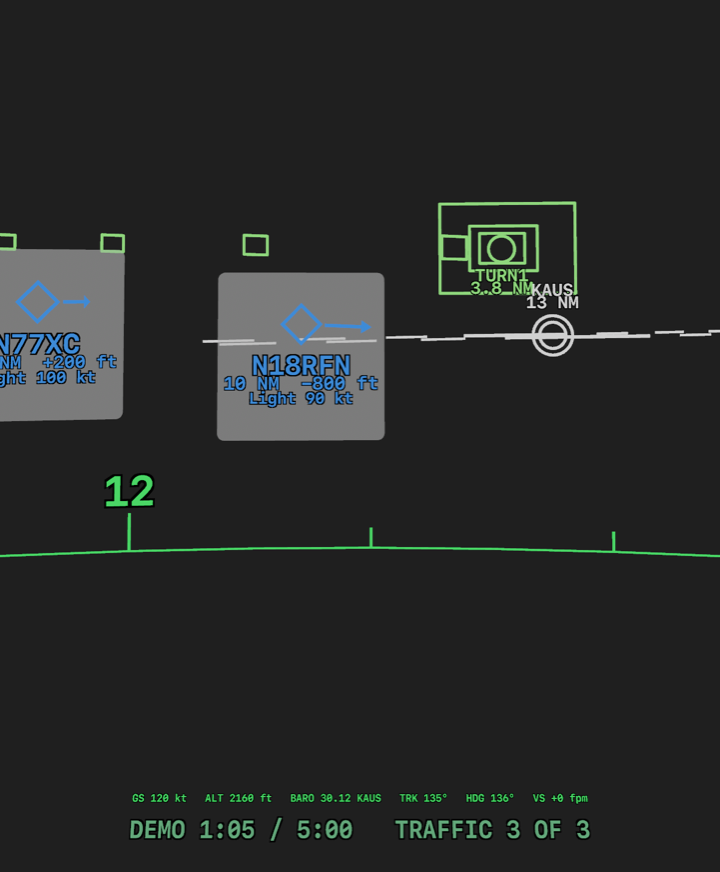
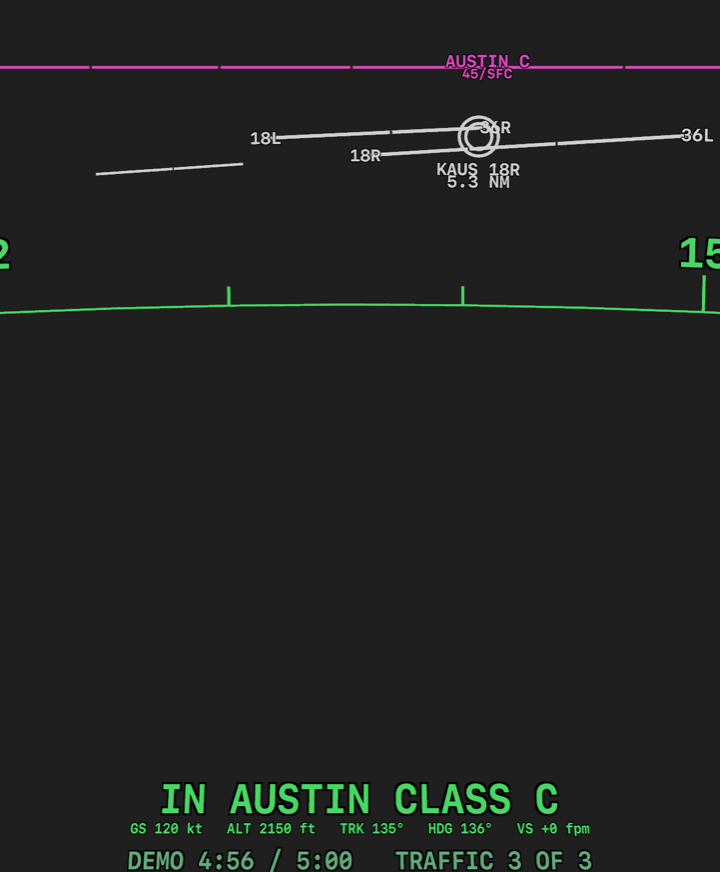
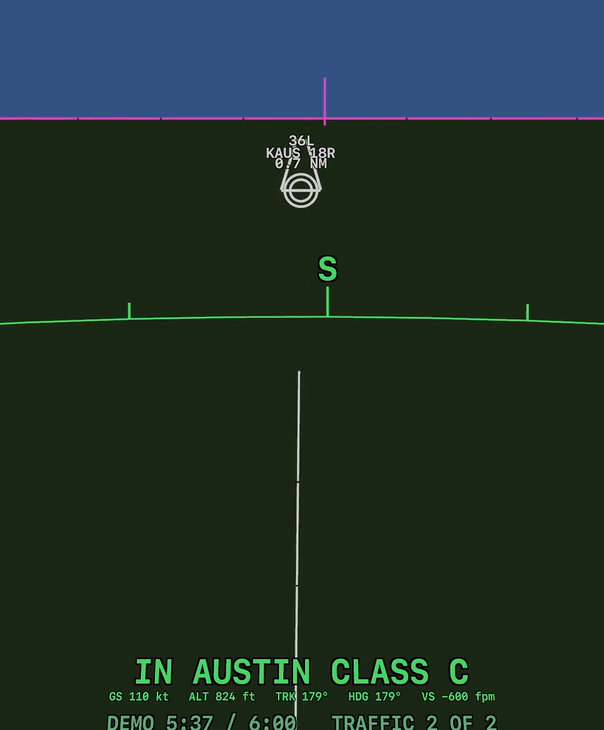
Parts of the screen, from the iOS Simulator with made-up traffic. On a phone or tablet the drawing is over the live camera view; the sky and ground in the third picture are a drawing. The airports and airspace are FAA data.
- Traffic from your own receiver: a marker for each aircraft with its call sign, distance, height above or below you and speed, and an arrow at the edge of the screen for a nearby aircraft that is outside the view
- Spoken traffic callouts if you switch them on, through the phone, Bluetooth audio or a hands-free headset
- Your destination airport and its runways, with the runway you choose and its extended centreline
- Class B, C and D airspace, and restricted and prohibited areas, as lines at your height
- Obstacles 200 ft or more above the ground that are ahead of you
- A flight plan shared from another app as an FPL file, drawn as boxes along the route. It is a picture of the route, not guidance
- A compass line with your track and heading, and readouts of ground speed, altitude and vertical speed
- Altitude from the receiver's GPS, or put right by the altimeter setting from the FIS-B weather, or by one you type in on a large keypad
- Speed in knots, mph or km/h, and height in feet or metres
- Your flights recorded on your own device, to play back later
- An iPhone or iPad with iOS 18 or later, in a mount, looking ahead
- An ADS-B receiver that sends GDL 90 over Wi-Fi. So far Windscreen has been run with a Stratux and with an Avidyne IFD440. Other receivers that send standard GDL 90 should work and have not been tried
- No account and no sign-in. No internet connection is needed in flight
- No receiver yet? The app has a built-in demonstration, and on the ground it can show nearby aircraft from a public internet service, adsb.lol
Windscreen is not certified avionics and is not approved by the FAA or any other authority. It is an aid to looking outside, not a replacement for it.
- It shows only aircraft your receiver reports. Many aircraft are never reported, and a report can be late or wrong
- Do not use it for navigation, or to keep clear of traffic, terrain, obstacles or airspace
- It does not show all airspace: no Class E, military operations areas, temporary flight restrictions or terrain. It does not know your clearance, or whether a restricted area is in use
- The pilot in command remains responsible for the flight
The Terms of Use say this in full.
Coming to the App Store. Windscreen is in testing and is not on the App Store yet.